
The converter looks for the object silhouette, visible components, material cues, repeated parts, orientation, and small details that make the subject recognizable. It separates direct evidence from inference, so a visible handle or hinge can be modeled confidently while an unseen back panel remains an approximation. A clean background and a complete subject reduce ambiguity before geometry is planned.
img2threejs online converter
Create editable Three.js models online—no Skills, Codex, Claude Code, or local agent setup required. Sign in to receive welcome credits, then use Agent for advanced models and iterative review-and-refinement loops.
- Interactive preview
- Editable Three.js
- TypeScript + JSON downloads
Original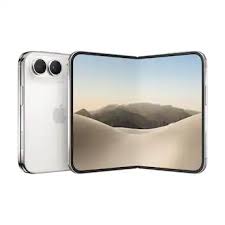
Agent mode 3D result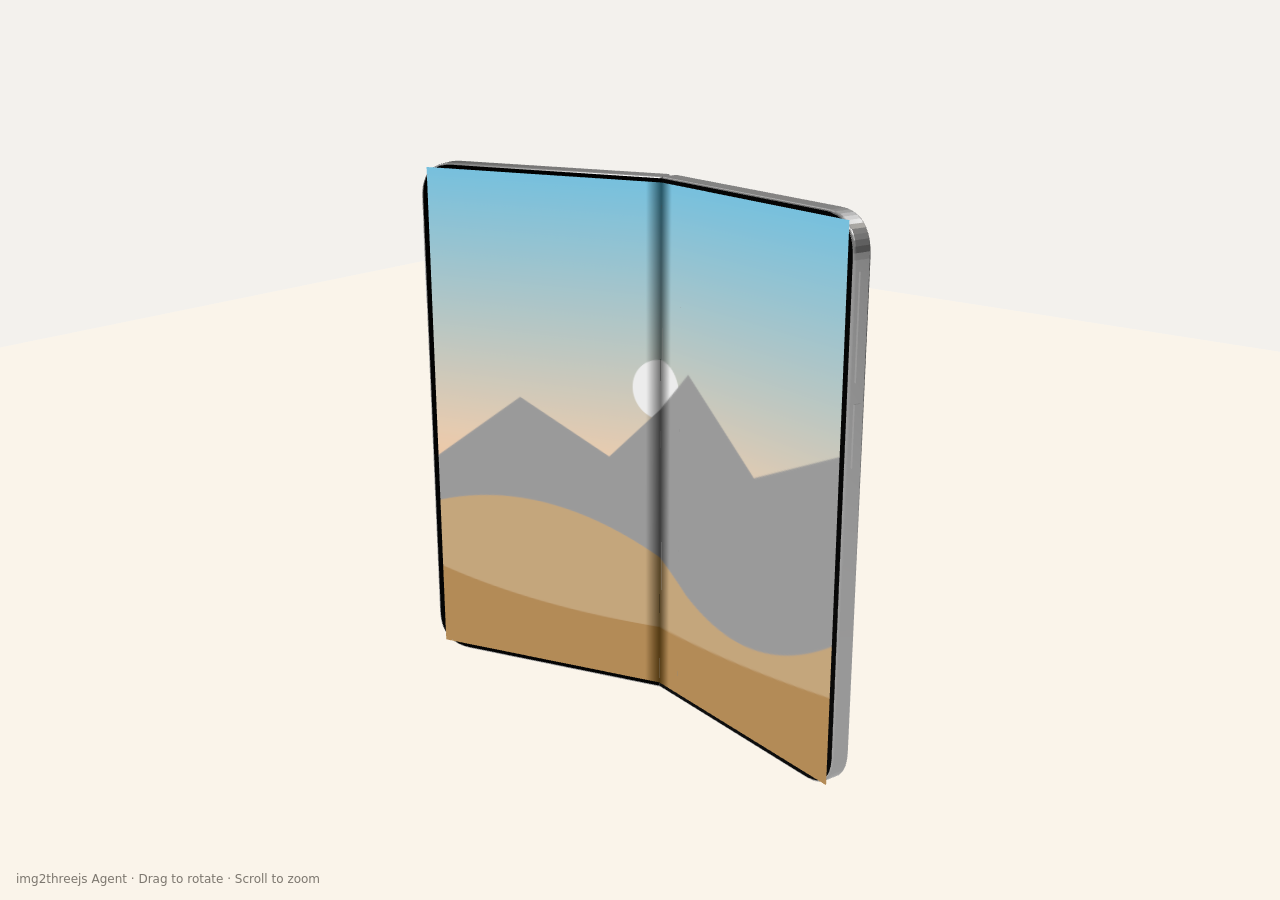
Original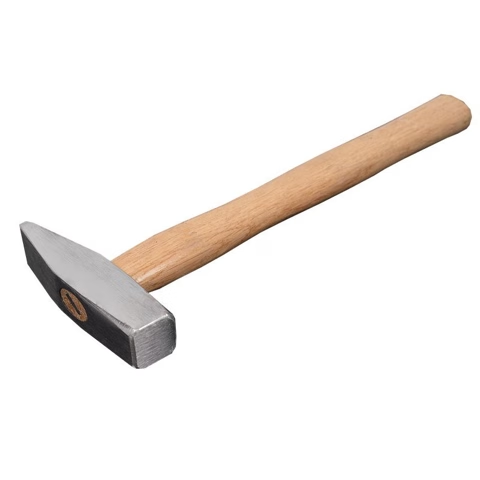
Agent mode 3D result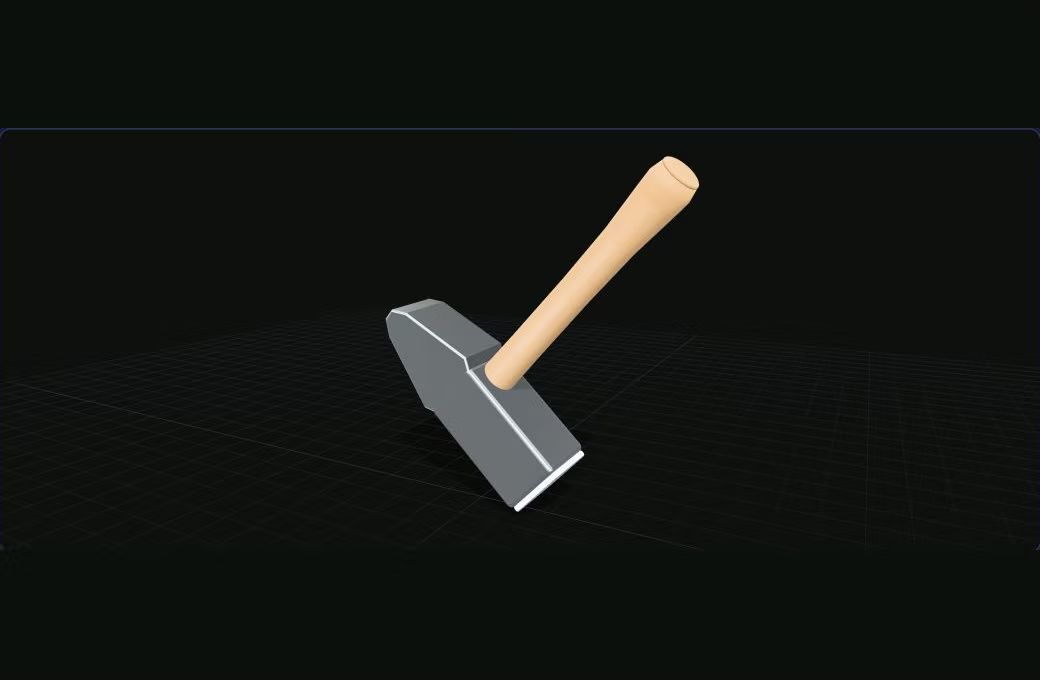
Original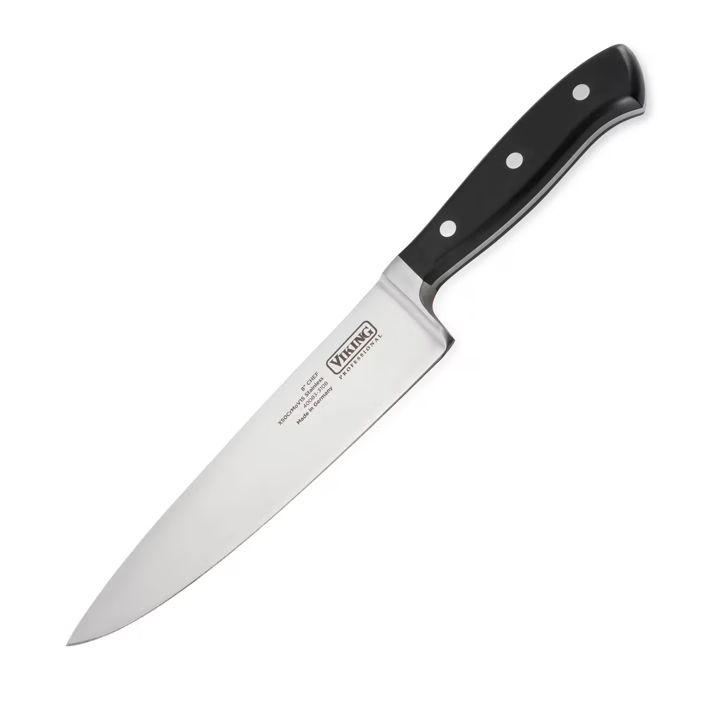
Agent mode 3D result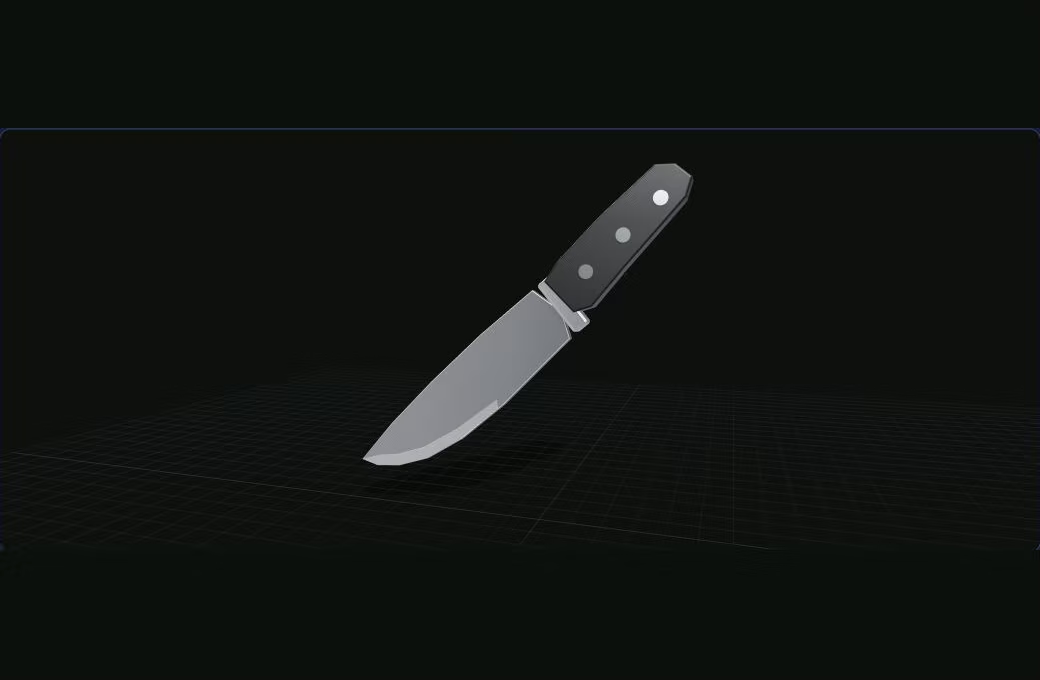
3 reference views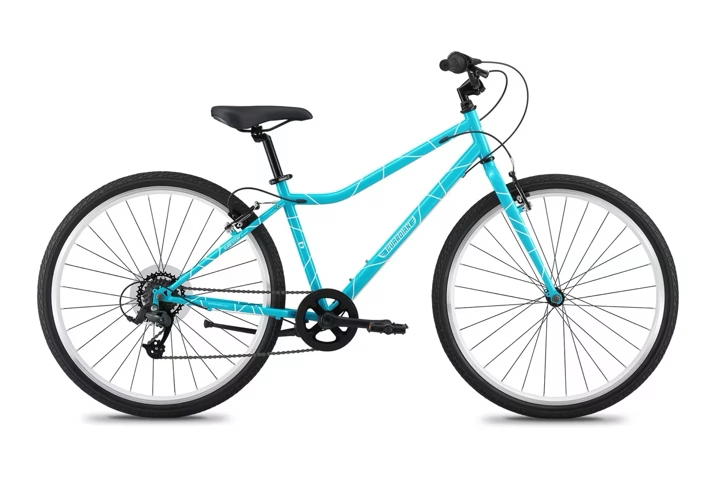
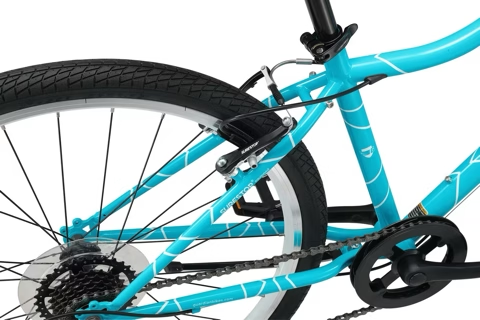
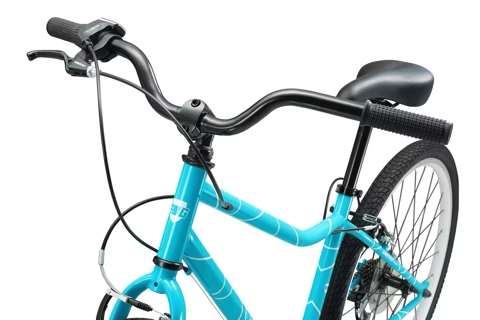
Agent mode 3D result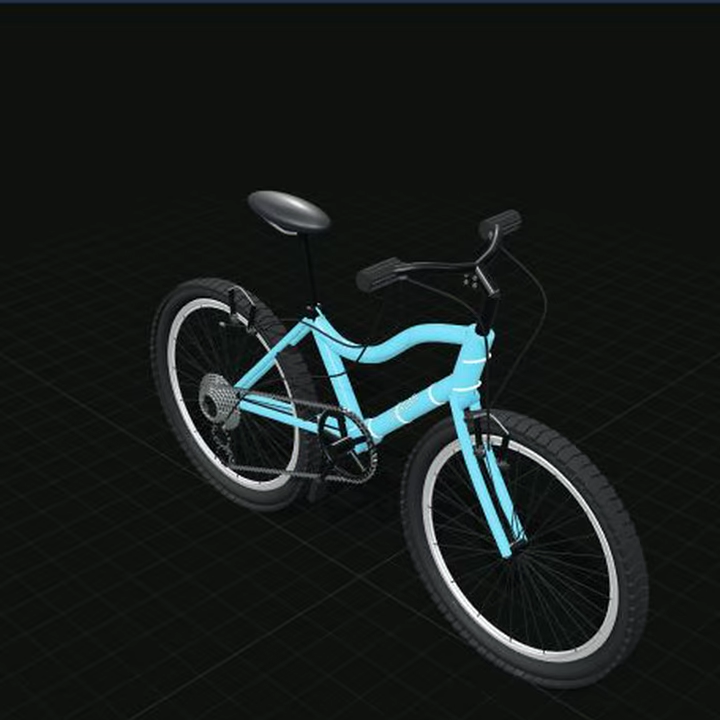
3 reference views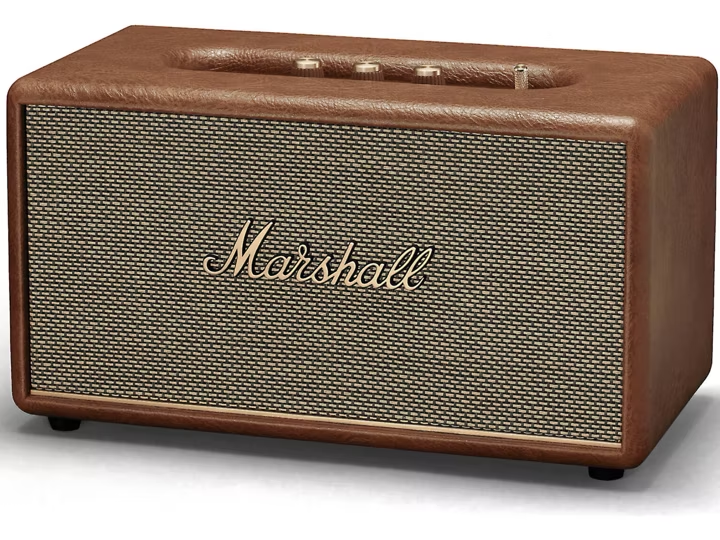
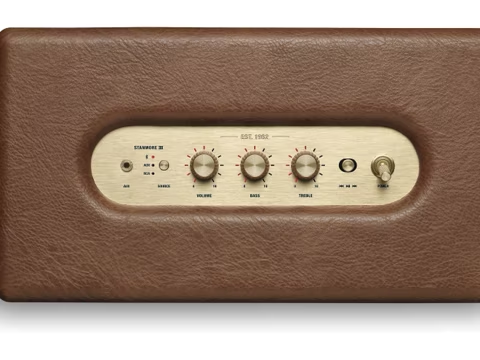
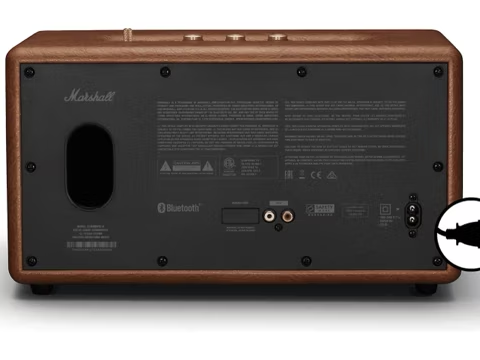
Agent mode 3D result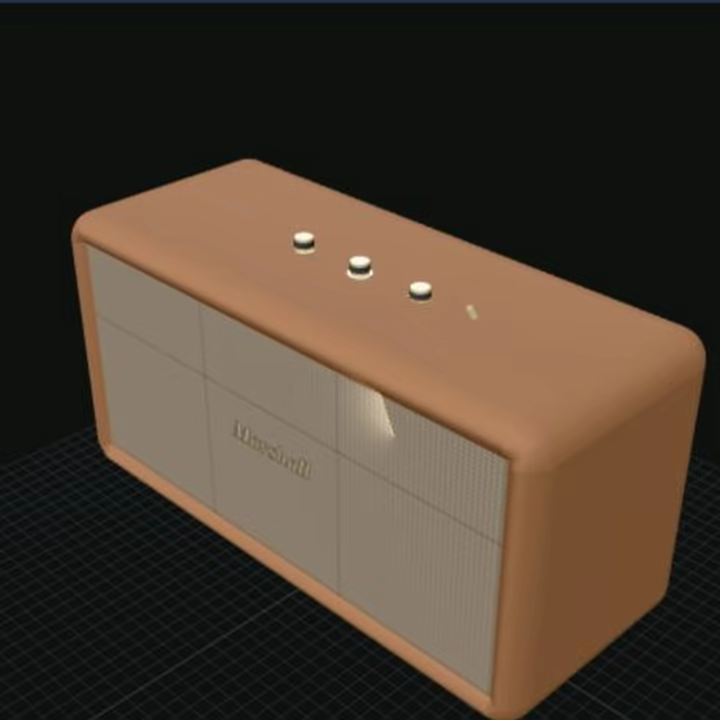
Original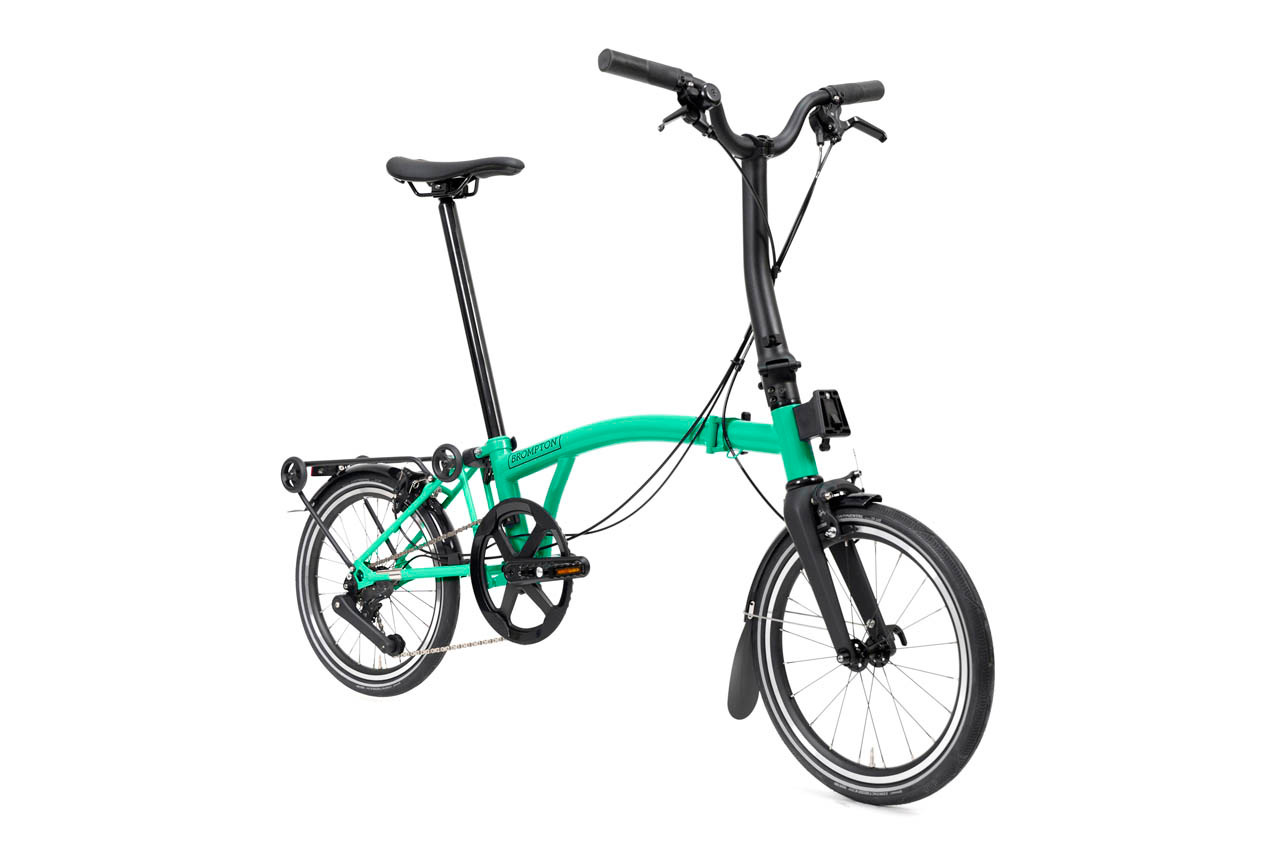
Agent mode 3D result
Create your Three.js model with img2threejs
Loading the converter…
HOW IT WORKS
How img2threejs keeps generated output editable
The converter does not hide the result inside an opaque mesh. It creates named parts, materials, transforms, and geometry instructions that a developer can inspect and continue editing. Because the specification remains available beside the TypeScript, every visible component can be traced back to an explicit construction decision instead of disappearing into an imported asset.Observed parts are mapped to procedural geometry, materials, positions, rotations, and parent-child relationships. The specification is validated before rendering, and a deterministic builder assembles the hierarchy instead of executing arbitrary generated code. This keeps malformed suggestions from silently becoming unsafe browser logic and makes every important transform available for review.
Orbit the result, switch material views, inspect the JSON specification, and download a typed Three.js factory that returns a reusable THREE.Group. The output can enter a normal code review: rename parts, adjust dimensions, replace materials, attach events, or connect later animation to a named component. The first draft remains readable so refinement can continue in your repository.
USE CASES
A practical starting point for programmable web 3D
Procedural reconstruction is most useful when structure and editability matter more than film-grade surface accuracy. The generated model is designed for browser projects that benefit from named parts, readable code, and a result developers can keep changing after the first preview.Use a clean product photo to create a browser-native draft for product viewers, explainers, configurators, and landing-page interactions. Named components make it easier to highlight one feature, swap a material, respond to a click, or connect product state to a specific part. Final production polish may still require manual modeling and art direction.
Block out a recognizable prop as named components before investing in final modeling, textures, collision shapes, and animation. A procedural draft can clarify how the object is assembled, which pieces should move, and where a later high-detail asset must preserve structure. Treat it as an editable prototype rather than a finished game-ready mesh.
Start from a familiar reference and keep the result as readable TypeScript that fits a Three.js project and Git workflow. Creative coders can vary dimensions, colors, repeated elements, or camera behavior without rebuilding an imported mesh. The structured JSON also gives an AI coding assistant a constrained description to edit instead of an open-ended visual prompt.
Keep components, materials, and transforms available for replacement and continued editing. A developer can address one wheel, button, handle, panel, or attachment without flattening the object into a single opaque asset. That semantic hierarchy is useful for educational demos, internal concept reviews, technical explainers, and interfaces where application state needs to reach a particular part.
One image does not contain the back, underside, exact scale, or obscured connections of an object. Hidden surfaces are inferred from the subject category and visible evidence rather than measured. Organic anatomy, hair, cloth, transparent materials, complex vehicle surfacing, and exact human likeness still need specialist 3D tools. Agent provides an editable, quality-gated starting point rather than measured photogrammetry.
FAQ
Questions about img2threejs before you convert an image
Straight answers about supported references, privacy, editable output, commercial use, and the limits of single-image 3D reconstruction.What is img2threejs?
img2threejs is a free image to Three.js converter that analyzes a reference image and rebuilds the visible object as a procedural Three.js scene. Instead of returning one opaque imported mesh, it provides named components, materials, transforms, a JSON build specification, and editable TypeScript. The result is intended as a readable starting point for browser-based 3D work.
How does the converter work?
Upload one PNG or JPG with a clearly visible object, sign in, and confirm the Agent credit quote. img2threejs analyzes the reference, builds a procedural model, reviews it from multiple views, and refines weak details before saving the result. Orbit the model, inspect its structure, and download either the TypeScript factory or JSON specification.
Is img2threejs free?
Sign-in grants 80 welcome credits for your first Agent generation. Agent jobs use credits according to estimated complexity, typically 35–50 credits, and the exact price is shown before you confirm. After the welcome balance is used, add permanent credits through the existing secure checkout.
Which images work best with img2threejs?
Use a sharp, well-lit image with one complete hard-surface object, readable edges, limited occlusion, and a simple background. Product photos, tools, small appliances, furniture parts, and isolated props usually give img2threejs clearer evidence than crowds, hair, glass, smoke, or cluttered scenes. Avoid extreme perspective and crops that hide the connections between important components.
Does it create a real 3D model?
Yes. It creates a real multi-part Three.js scene that you can orbit, inspect, and edit in code. The output is procedural geometry assembled into a reusable hierarchy, not a flat image effect. It remains an approximation rather than a photo-grade scanned mesh because a single photograph cannot reveal accurate scale, depth, or hidden surfaces.
Which file formats can I export from img2threejs?
The main img2threejs output is editable Three.js TypeScript plus a structured JSON build specification. It does not currently export GLB, OBJ, FBX, or STL files. The code-first format is useful when the model must live inside a web application, participate in version control, expose named parts, or be extended with browser interactions.
Can I edit the generated Three.js code?
Yes. The downloaded img2threejs factory returns a THREE.Group with named parts. You can rename components, change dimensions and materials, attach interactions, add animation, or replace individual procedural shapes. Because the JSON specification remains inspectable, you can also revise the construction plan and regenerate code rather than treating the first result as an untouchable asset.
How does img2threejs process reference images?
The reference image is sent through the img2threejs server to OpenRouter and a configured downstream AI model for visual analysis and generation. There is no account-linked upload library, but infrastructure and AI providers may process or retain request data under their own policies. Do not upload confidential imagery, personal data, or material you do not have permission to use.
Is this the same as photogrammetry?
No. Photogrammetry estimates detailed geometry and textures from many overlapping photos captured around a subject. img2threejs uses visual analysis and procedural construction to produce editable browser code from one required reference and optional supporting views. It prioritizes named structure and maintainable TypeScript over measured surface recovery, dense topology, or photographic texture reproduction.
Can I use img2threejs output commercially?
You are responsible for having the rights to the uploaded image and for reviewing the generated output. Subject to those rights and the Terms of Service, you may use and modify img2threejs code in your own commercial projects. Check for protected designs, trademarks, confidential references, or third-party material before publishing or selling a derived model.
Can the generated parts be animated?
img2threejs can return named components and a hierarchy that make later animation easier, but it does not promise a finished rig or automatic animation. Developers can rotate a wheel, open a lid, move a lever, or attach events when the corresponding part is represented separately. Complex deformation, character skinning, physics, and production motion still require additional implementation.
Where can I use the generated output?
Use img2threejs output in interactive product pages, technical explainers, game and simulation prototypes, educational demos, creative coding experiments, or internal concept reviews. The TypeScript factory is most valuable when the object must react to application state and remain understandable in Git. Always review appearance, performance, rights, and accessibility before production release.